
Nioh 3 Character Creation Guide: Best Character Codes, Sliders & Tips (PS5 & PC)
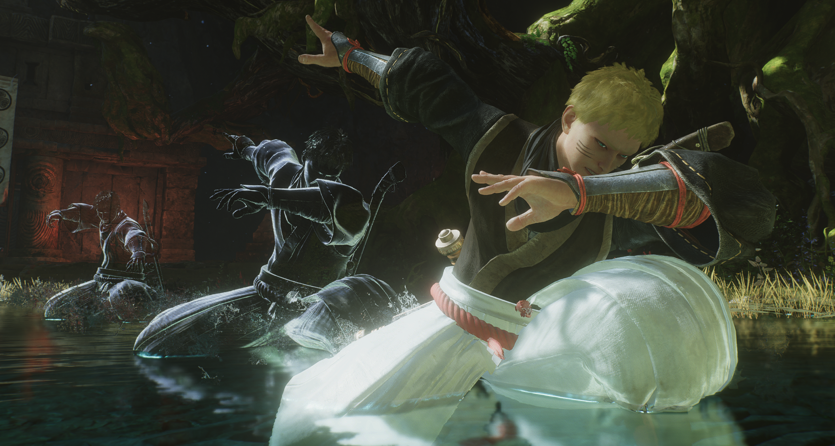
Before a single Yokai dies, before you settle on your first weapon, before you even decide whether you're building Samurai or Ninja — you'll be staring at the Nioh 3 character creation screen deciding what your warrior actually looks like. And given that Team Ninja has built one of the most detailed character customization systems in the Souls-like genre, that time investment is entirely justified. Whether you want to craft an original face from scratch or import one of the community's best Nioh 3 character codes to get straight into the action, this guide covers everything: every menu, all the working codes for both PS5 and PC, and tips for getting the most out of the system.

Before a single Yokai dies, before you settle on your first weapon, before you even decide whether you're building Samurai or Ninja — you'll be staring at the Nioh 3 character creation screen deciding what your warrior actually looks like. And given that Team Ninja has built one of the most detailed character customization systems in the Souls-like genre, that time investment is entirely justified. Whether you want to craft an original face from scratch or import one of the community's best Nioh 3 character codes to get straight into the action, this guide covers everything: every menu, all the working codes for both PS5 and PC, and tips for getting the most out of the system.
All Working Nioh 3 Character Creation Codes (PC)
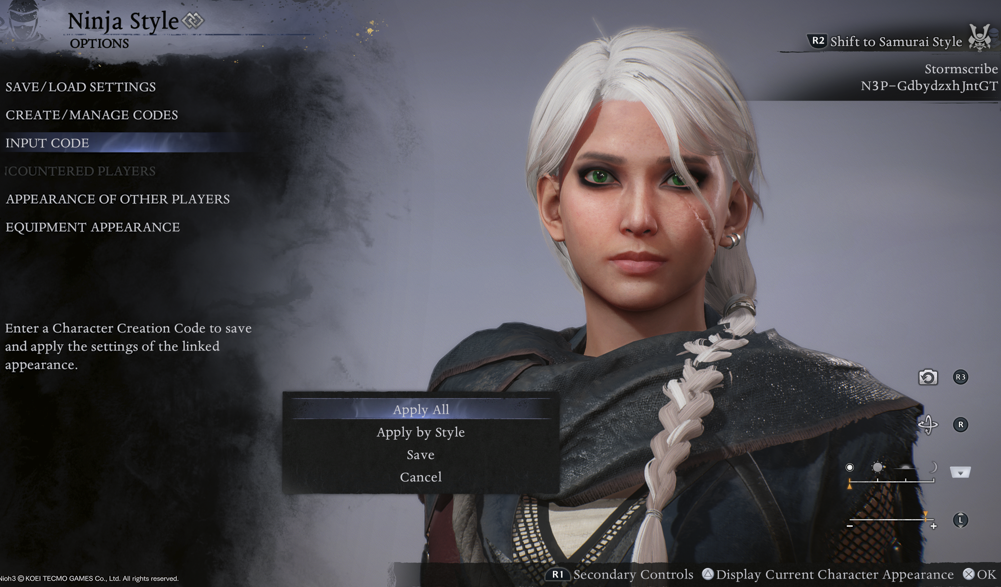
PC character creation codes always begin with N3S- and only work on the PC (Steam) version.
Codes are case-sensitive — every uppercase letter, lowercase letter, symbol, bracket, and question mark must be entered exactly as shown. An incorrect symbol will return an invalid code error even if everything else is right.
| Character | Code (PC) | Status |
|---|---|---|
| Ciri (The Witcher 3) | N3S-zg2dZog2cztwV |
✅ Working |
| Venom Snake (Metal Gear) | N3S-DgvsYyGJ4kpPz |
✅ Working |
| William Adams (Nioh 1) | N3S-&f+=/x8LfSeGH |
✅ Working |
| Cloud Strife (FF VII) | N3S-+Dc4rCcbwx3QZ |
✅ Working |
| Aerith Gainsborough (FF VII) | N3S-3txazQhka7vzY |
✅ Working |
| Zack Fair (FF VII) | N3S-Ty?8CV6FEJZCT |
✅ Working |
| The Ghoul / Cooper Howard (Fallout TV) | N3S-&Vs4]zU2jHUqX |
✅ Working |
| Blue Eye Samurai | N3S-XBTAPCFeLipAo |
✅ Working |
| Samus Aran (Metroid) | N3S-bEGdfExaMbvuY |
✅ Working |
| Zelda / Impa (Legend of Zelda) | N3S-UQK7XPKEMX+Zf |
✅ Working |
| Sheik / Zelda Variant | N3S-w[CWGwjH7UKFW |
✅ Working |
| Melinoë (Hades II) | N3S-W]KtqCdxuYMPJ |
✅ Working |
| Kazuya Mishima (Tekken) | N3S-FwdgyiHY6F5ny |
✅ Working |
| 2B (NieR: Automata) | N3S-n]3ioVuj4UBzP |
✅ Working |
| Roronoa Zoro (One Piece) | N3S-vRVT[dGbyDFA3 |
✅ Working |
| Seori | N3S-QCk2/brdL8X4o |
✅ Working |
| Momiji (Ninja Gaiden) | N3S-w?M5jWNnBbGpb |
✅ Working |
| Kasumi / Ayane (Dead or Alive) | N3S-xYQeb8fj]FLt[ |
✅ Working |
| Rurouni Kenshin | N3S-]Ry=Cp7Mdx=&F |
✅ Working |
All Working Nioh 3 Character Creation Codes (PS5)
PS5 character creation codes always begin with N3P- and only work on the PlayStation 5 version. They cannot be used on PC, and PC codes cannot be used on PS5. The same case-sensitivity rules apply — every character, symbol, and bracket must match exactly.
| Character | Code (PS5) | Status |
|---|---|---|
| Keanu Reeves | N3P-tu398iYg/BEWZ |
✅ Working |
| Ciri (The Witcher 3) | N3P-GdbydzxhJntGT |
✅ Working |
| Naruto Uzumaki | N3P-Y9WXLr53eFkYd |
✅ Working |
| Bayonetta | N3P-6iTrc9wFj7DZZ |
✅ Working |
| Joker / Ren Amamiya (Persona 5) | N3P-pHEG?BjeAh[EM |
✅ Working |
| Harley-Style Female | N3P-28]ZUk/QdB3QK |
✅ Working |
| Rachel (Ninja Gaiden) | N3P-9HRhcGrHBNdN3 |
✅ Working |
| Yuji Itadori (Jujutsu Kaisen) | N3P-9jE/=2yD7aaYK |
✅ Working |
| Juri Han (Street Fighter) | N3P-cmvi2PKiSUHWd |
✅ Working |
| Tattooed Warrior (Original) | N3P-+dyGATYcmR[UR |
✅ Working |
| Soi Fon (Bleach) | N3P-si/y&M24dn5sP |
✅ Working |
| Ayame (Tenchu: Wrath of Heaven) | N3P-Vdwpk+=SZ?wRK |
✅ Working |
| Grey-Haired Shogun (Original) | N3P-TinMwMDv4bG+V |
✅ Working |
Codes are sourced from community submissions and verified working as of February 2026. Codes remain active as long as the original creator has not deleted or overwritten their design — if a code stops working, the creator has likely modified their upload.
How to Use Nioh 3 Character Creation Codes
Entering a code takes about thirty seconds once you know where to go. The process is identical on both platforms — only the code format differs.
At the Start of a New Game
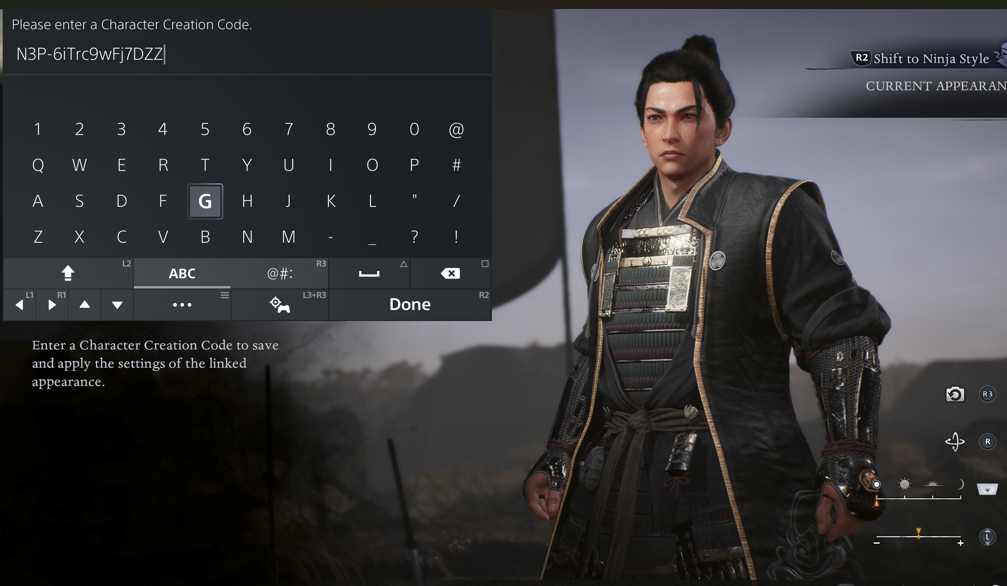
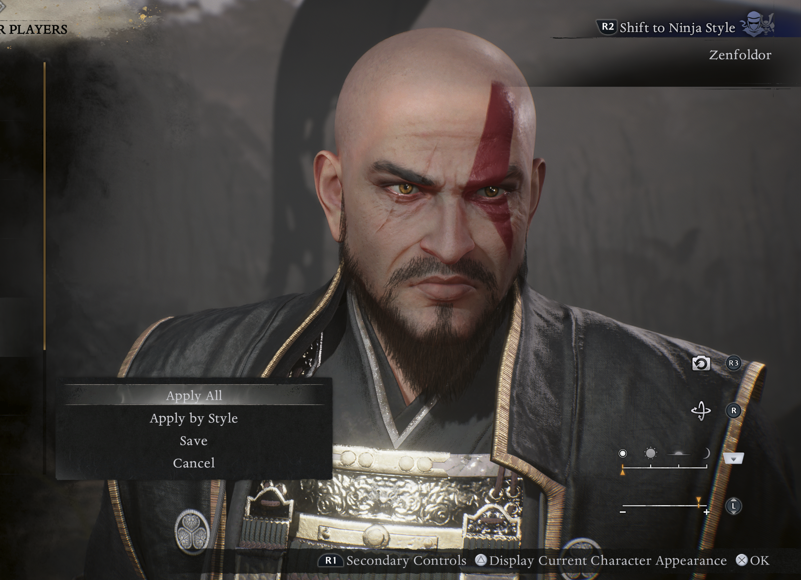
Start a new game and wait for the character creation screen to appear after the opening cutscene. Select the Options button in the lower section of the screen, then choose Input Code. Type the full code exactly as shown — including the N3S- or N3P- prefix, the dash, and every symbol — then confirm. When accepted, your character model will immediately update. Choose Apply All to use the same appearance for both Samurai and Ninja styles, or Apply by Style to set different looks for each. Hit Finalize Settings to lock it in.
Mid-Playthrough via the Eternal Rift
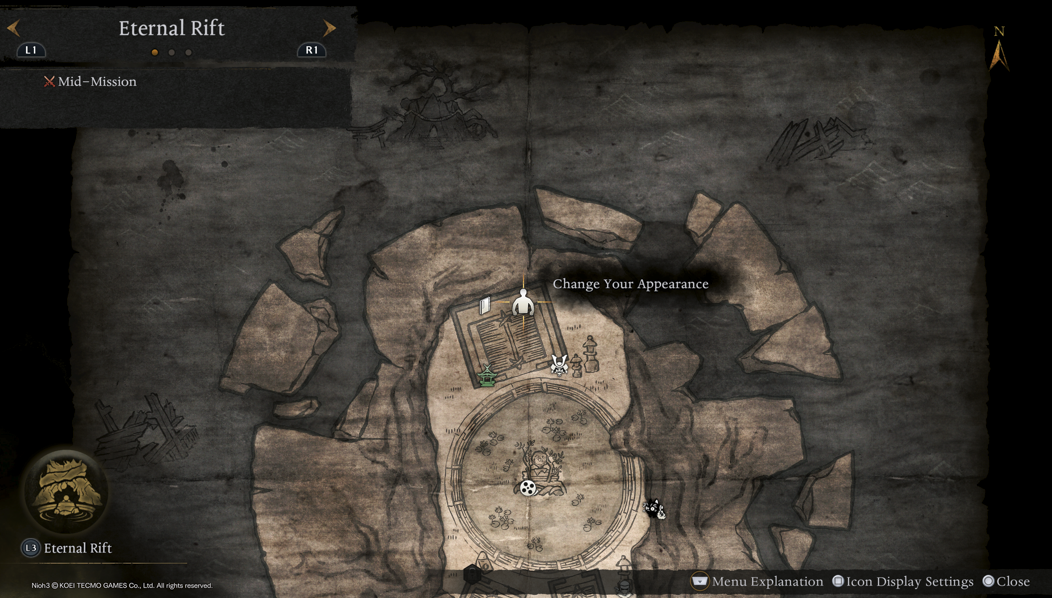
You are not locked into your starting appearance. Once you complete the first Crucible (defeating Jakotsu-Baba at Hamamatsu Castle Town) and unlock the Eternal Rift, a large mirror on the first floor of the main building lets you access the full character editor at any time. Select Change Your Appearance, navigate to Options → Input Code, and the process is identical to game start.
Why Codes Fail
There are three common causes. First — platform mismatch: N3S- codes will always fail on PS5, and N3P- codes will always fail on PC, no exceptions. Second — entry errors: codes include symbols like ?, [, ], &, /, =, and + that are easy to miss or get auto-corrected by phones. Copy codes directly rather than retyping. Third — the creator changed their design: codes point to a live upload, not a static export. If the original creator overwrites or deletes their design, the code stops working regardless of how correctly you've entered it.
How to Create and Share Your Own Code
Build your character to your satisfaction, then in the Options menu select Create / Manage Codes and confirm the upload. The game generates a platform-specific code you can share anywhere. Team Ninja has been actively watching community submissions since launch — exceptional creations shared with #Nioh3Code on social media have appeared in the studio's official My Takechiyo Campaign.
All Eight Character Creation Menus
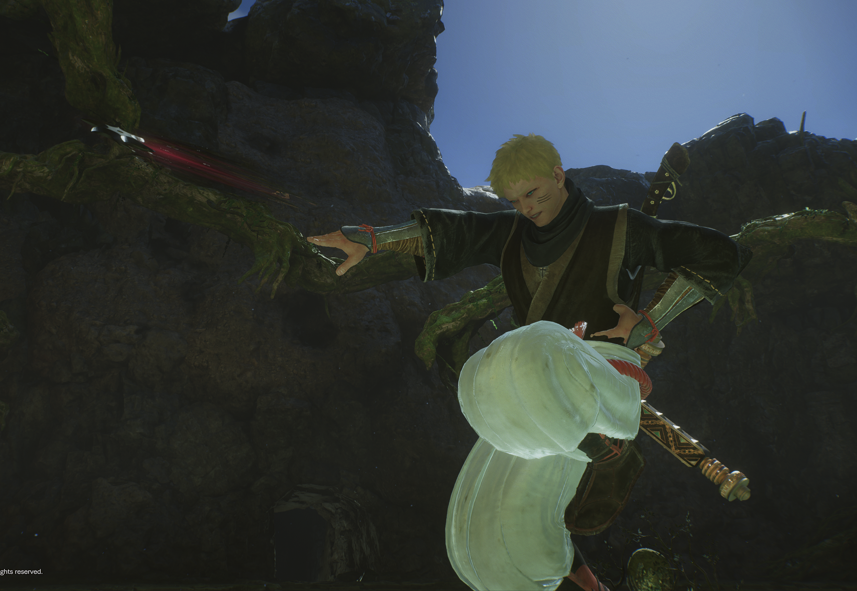
For players building from scratch, here's a quick breakdown of what each menu contains and the decisions that matter most in each.
Base — Body type and initial face/outfit preset. Choose body type first, before touching anything else — changing it later wipes all other settings.
Body — Height, head size, body size, muscle mass, chest size, skin color via sliders. Two upper-body marking slots (tattoos, scars). Worth checking against heavy armor in Preview Gear before finalizing — proportions that look natural in neutral clothing can cause floating pauldrons or clipping issues with bulkier sets.
Face — The most granular menu. Covers face shape, aging, and individual sliders for every facial feature. Keep Facial Vertical Position near neutral (value 0) — extreme values stretch facial textures during cutscenes. Avoid Eye Size above roughly +10 unless going deliberately anime, as higher values clip with eyelid animations.
Hair — Style and color. Long hairstyles clip through high-collar heavy armor. A slight Neck Length increase in Body creates clearance for helmets.
Makeup — Eyeliner, eye shadow, eyelashes, lipstick, blush, face powder, nail polish, and two facial marking slots for scars or tattoos. All layer independently.
Voice — Two voice types with pitch slider. Small detail, but one you'll hear for the entire game's runtime.
Markings — Dedicated body design menu with position, color, opacity, and size control. Separate from the marking slots in Body, offering additional placement options.
Options — Code input and management. Also holds the in-game browsing tool to find and copy the appearance of players you encounter as Visitors or Acolytes in co-op. Up to seven complete character configurations can be saved here.
Tips for Better Results from Scratch
Use the lighting preview toggle before finalizing. The creator's neutral studio lighting is the least representative environment in the game — Nioh 3's world runs on fire, moonlight, and Yokai energy. Cheekbones and brow ridges that look natural in studio lighting can read as harsh under high-contrast conditions. Toggle to the dark or night preview and check that your character's eyes don't disappear into shadow. If they do, reduce Brow Depth slightly.
Add a small amount of skin texture (Pores value 5–10, minor Skin Age) rather than keeping everything at maximum smoothness. A perfectly smooth face reads as plastic in dark environments — small texture values catch ambient lighting in ways that make the character feel grounded. Save at least one slot before experimenting with anything drastic. And treat any imported code as a starting point rather than a final answer — face structure is the hard part, and everything else (hair, markings, makeup) is easy to modify from there.
Nioh 3 Guides
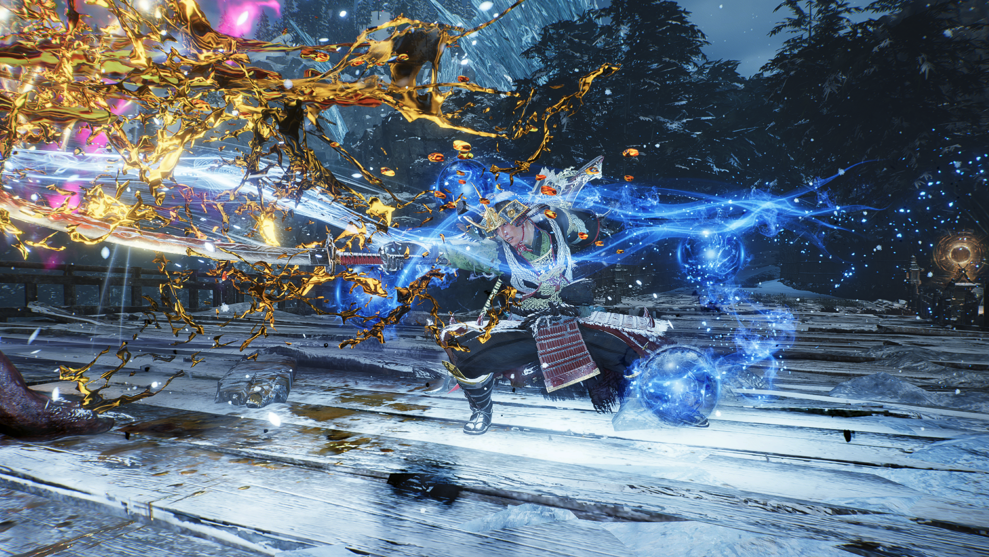
Character creation sets the stage. These guides cover everything that comes after:
- Nioh 3 Weapons Tier List — All 14 weapons ranked across Samurai and Ninja styles, with playstyle breakdowns for every weapon category.
- Nioh 3 Tonfa Build Guide — S-tier Ninja weapon in full: White Bone Spirit Tonfa, Demon Dance mastery, Ki-Destruction vs Elemental Status paths, and Dream of the Nioh progression.
- Nioh 3 Review — Our full verdict: Metacritic 86, OpenCritic 88, what critics are saying, what the community debates, and whether the hundred-hour investment pays off.
Câu hỏi thường gặp về Nioh 3
- Ngày phát hành Nioh 3 là khi nào?
- Nioh 3 dự kiến phát hành vào ngày 6/2/2026.
- Nioh 3 chơi được trên nền tảng nào?
- Nioh 3 hỗ trợ: PC (Microsoft Windows), PlayStation 5.
- Nioh 3 thuộc thể loại gì?
- Nioh 3 thuộc thể loại: Role-playing (RPG), Hack and slash/Beat 'em up, Adventure.
- Có trailer chính thức của Nioh 3 không?
- Có. Bạn có thể xem trailer của Nioh 3 ngay trên trang này ở phần video.
Khám phá thêm
Nioh 3 Tonfa Build Guide: Best Endgame Setup for Dream of the Nioh
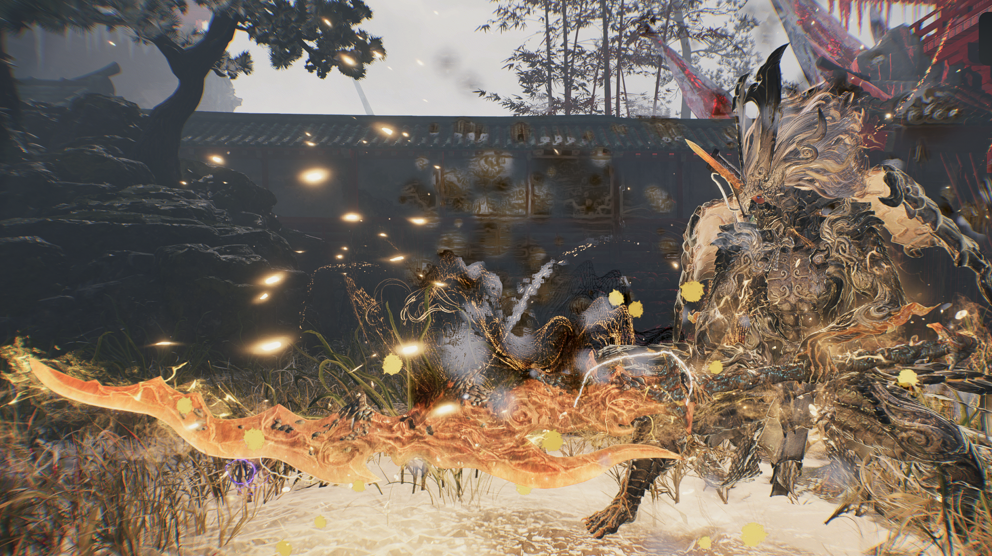
The Tonfa is Nioh 3's highest Ki-damage Ninja weapon — a blunt, fast, relentless close-range weapon that wins by draining enemy stamina bars faster than they can recover, forcing Winded states, and capitalising on those vulnerability windows with finishing moves that deal disproportionate burst damage. In the base game, a halfway-decent Tonfa setup will stagger-lock most enemies before they can threaten you. In Dream of the Nioh — where enemy health pools triple, their damage can one-shot you, and your basic combat tools stop being enough — the Tonfa build stops being about hitting hard and starts being about engineering a system.
Nioh 3 Weapons Scaling Guide: Which Stats to Level for Each Weapon
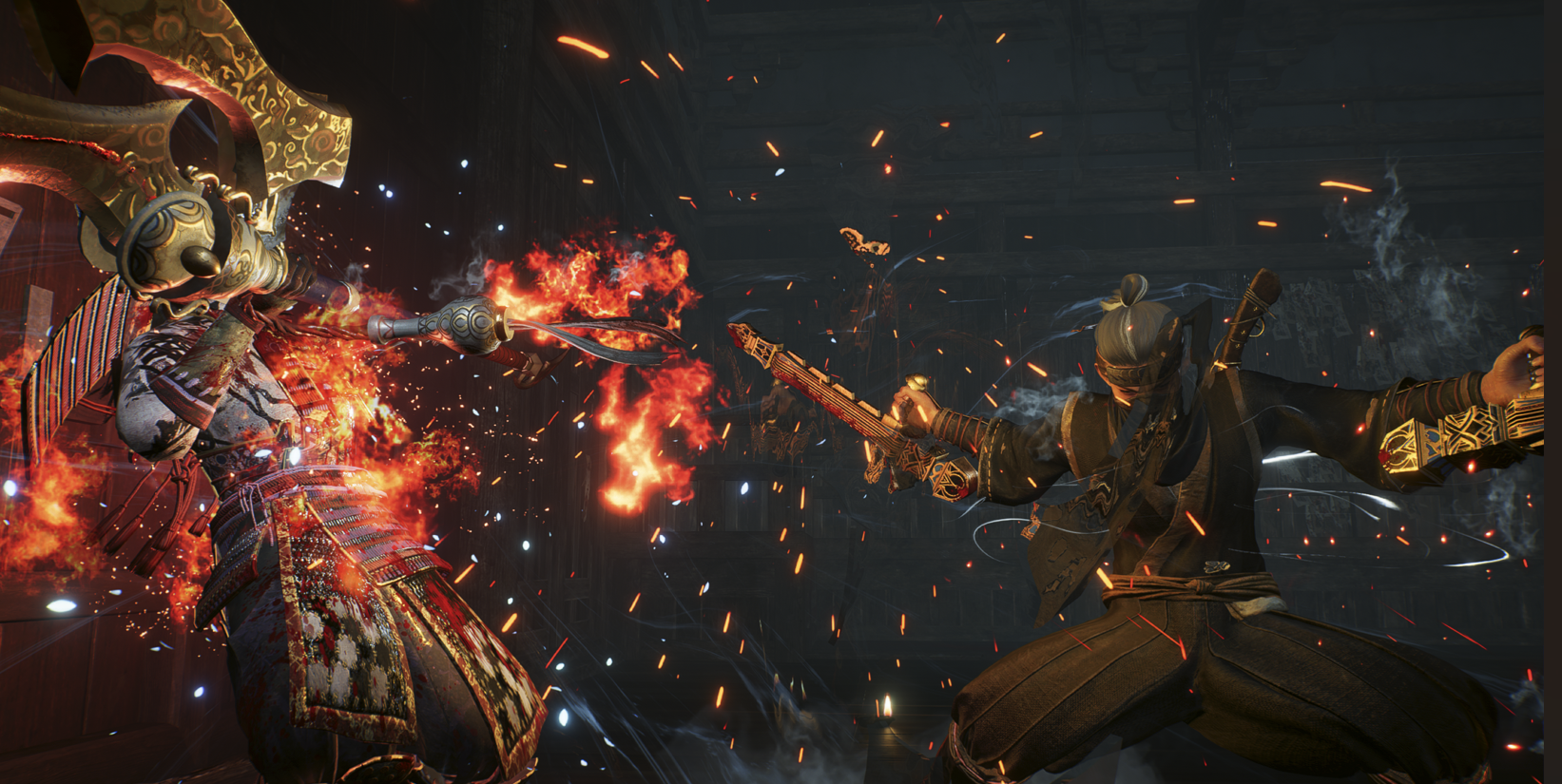
Nioh 3 throws out the letter-grade scaling system from Dark Souls and Elden Ring entirely. There are no A/B/C rankings stamped on your weapon telling you to just pump Strength. Instead, every weapon in the game operates on what Team Ninja calls Reference Stats — a three-stat dynamic scaling system that automatically adjusts to your highest attribute investment. It sounds complex. It is, slightly. But once you understand how it works, it becomes one of the most build-friendly systems in any Souls-adjacent game, because it's nearly impossible to permanently brick your character — and respec is free.
Nioh 3 Best Samurai Weapons: Top Picks for Every Samurai Build
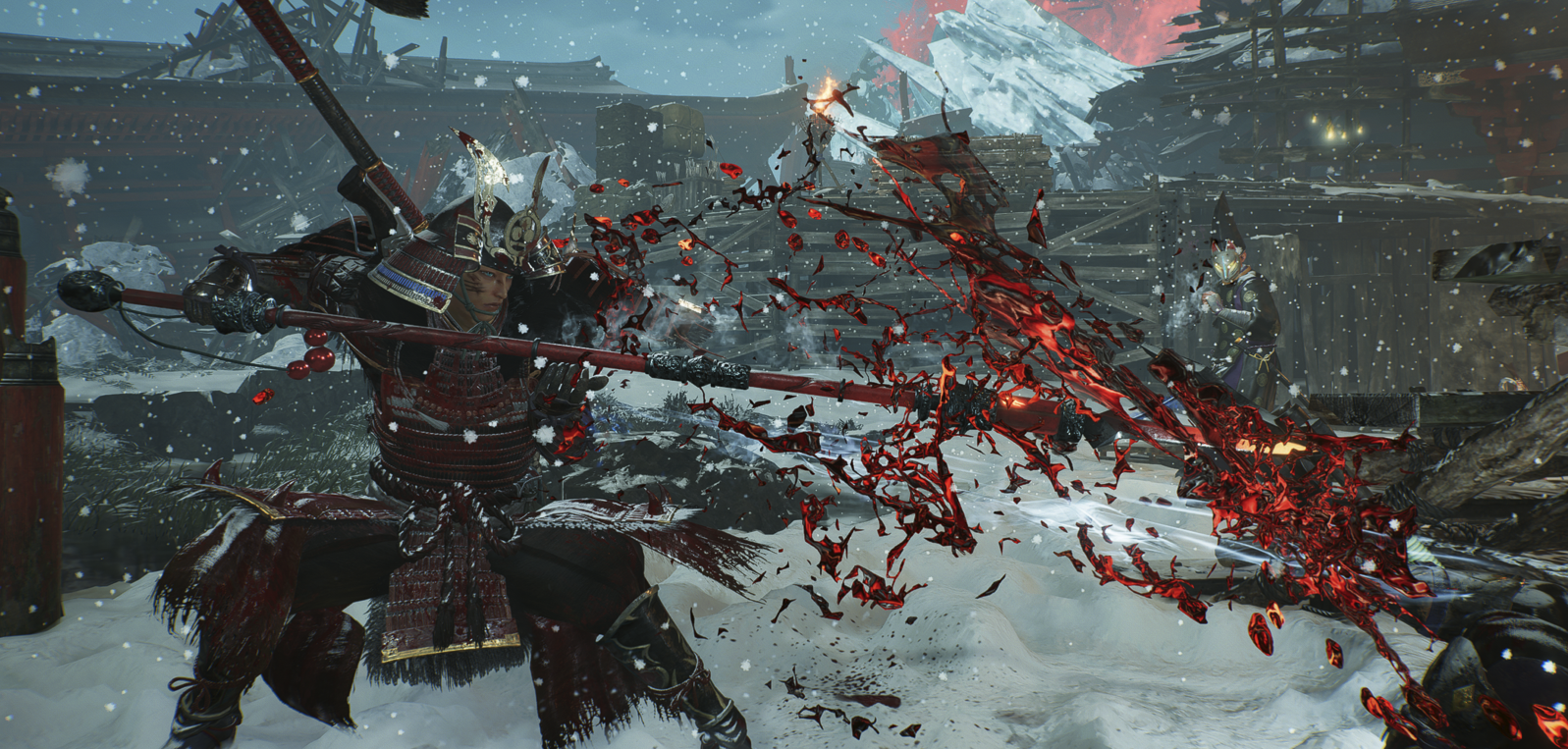
This guide ranks all seven Samurai weapons, breaks down what each one actually rewards in combat, identifies the best Martial Arts for each, and matches each weapon to the build identity where it performs best. If you're deciding which Samurai weapon to commit to — or you've been struggling with your current pick and want to know why — this is the reference you need.
Nioh 3 Tonfa Build Guide: Best Stats, Skills, Armor, and Combos
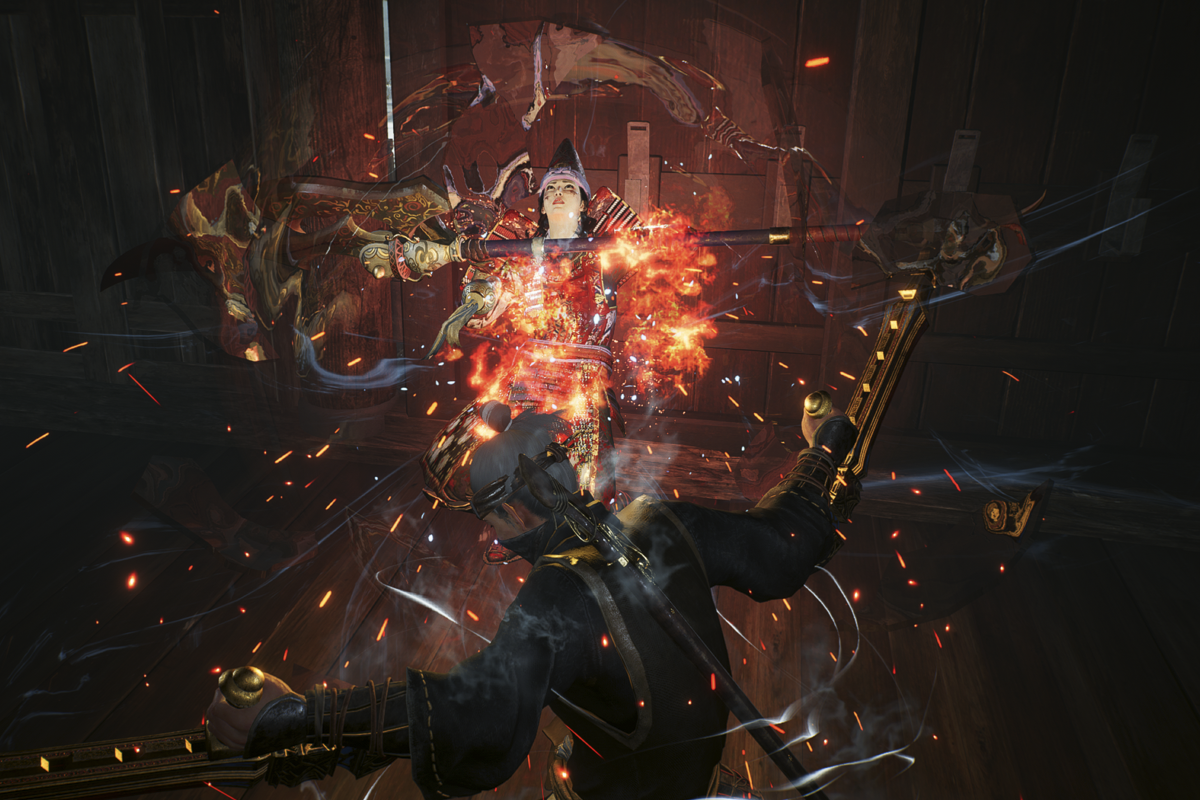
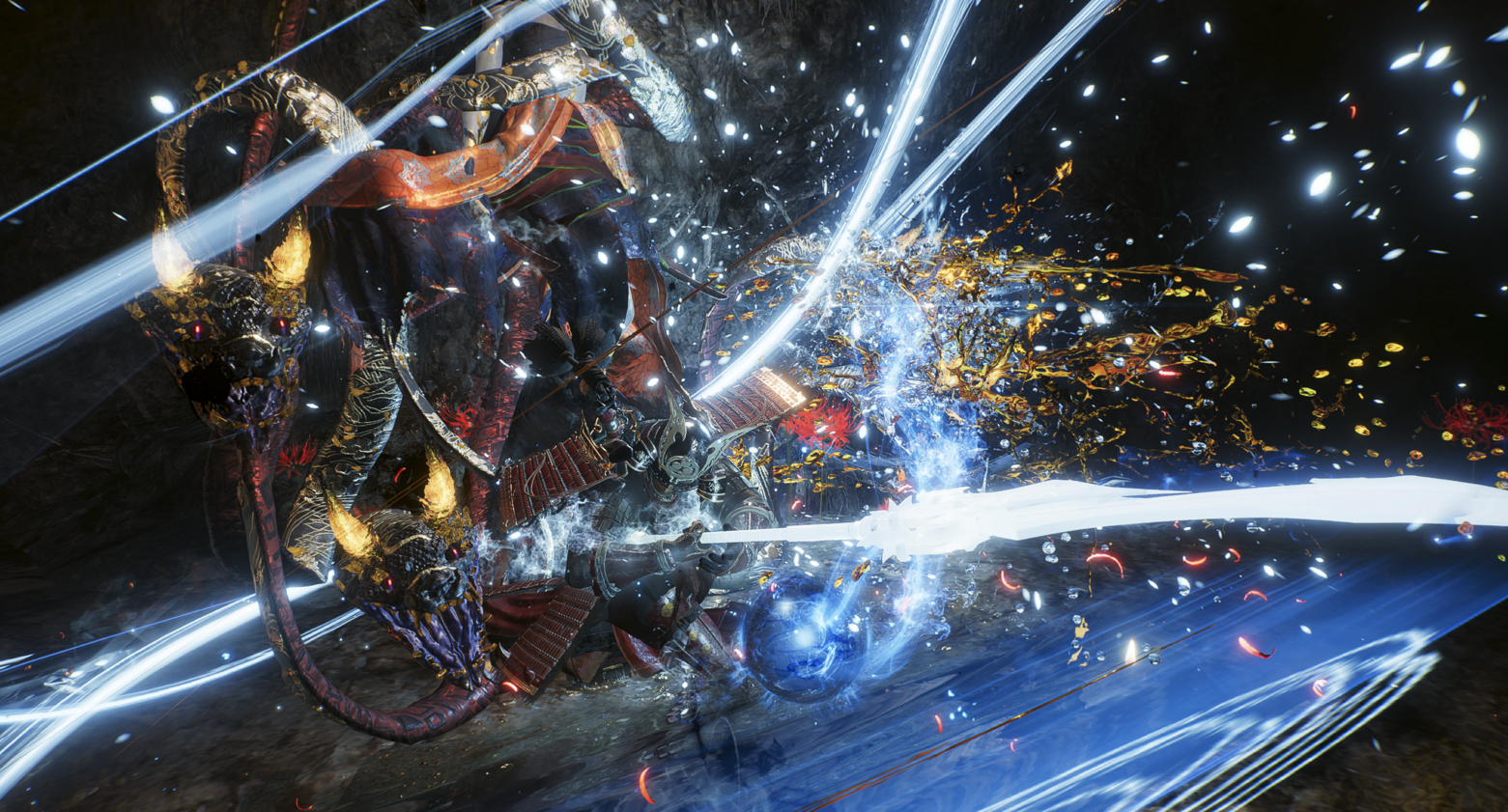
The Tonfa is the best Ninja weapon in Nioh 3, and it isn't particularly close. No other weapon in the entire game — Samurai or Ninja — drains enemy Ki as fast, chains into sustained multi-hit combos as efficiently, or punishes a staggered boss with the same relentless pressure. It holds the top spot in our Nioh 3 weapon tier list, sits at the core of countless endgame builds, and earns its S-tier position in every credible Nioh 3 best weapons ranking for a reason that becomes obvious the moment the build clicks: when an enemy's Ki bar hits zero and they collapse into a grapple window, the Tonfa put them there in roughly half the time any other weapon would have.