
Best Minecraft Mods 2026: Top 10 Must-Have Mods for Java Edition
The Minecraft modding scene in 2026 is richer than ever. Whether you're chasing performance, building steampunk contraptions, or exploring new dimensions, we've tested and ranked the 10 must-have mods for Java Edition.

Best Minecraft Mods 2026: Top 10 Must-Have Mods for Java Edition
Six years into Create's development, and it's still not the most-downloaded mod on CurseForge. That distinction belongs to something older, weirder, and more foundational: the mods that keep Minecraft running. But if you're reading this, you probably don't care about download statistics. You care about what actually makes the game better. And after hundreds of hours testing best minecraft mods across Forge, Fabric, and NeoForge loaders, I've narrowed it down to the essentials—the ones that should be in every Java Edition player's mods folder.
The minecraft mods landscape shifted dramatically in 2026. NeoForge solidified itself as Forge's successor. Fabric continued its performance revolution. And mods like Create pushed the game's engineering systems further than anyone thought possible. If you're still running vanilla Minecraft, you're missing out. But with thousands of mods available on curseforge minecraft mods repositories, knowing where to start is half the battle.
Why Minecraft Mods Matter in 2026
Vanilla Minecraft is good. Modded Minecraft is transcendent. The difference isn't subtle. A modded world can have 85+ new creatures, entire dimensions with boss progression, magical systems that rival full games, and automation systems that let you build a factory. Meanwhile, your frames stay smooth and your CPU stays cool.
But here's the catch: not all mods are created equal. Some are abandonware. Others break compatibility with every update. The best ones? They're actively maintained, tested with other mods, and actually improve the game rather than clutter it. That's what we're covering here.
Performance Mods: The Foundation of Any Good Setup
Before you add a single content mod, lock down performance. This is non-negotiable. A modded world with 50+ mods runs like garbage on vanilla rendering. But with the right performance mods, you'll hit 60+ FPS on hardware that would struggle to maintain 30 in vanilla.
Sodium: The Modern Performance Standard
Sodium is where most players should start. Built by the CaffeineMC team, it completely rewrites Minecraft's rendering engine from the ground up. This isn't a patch or a hack—it's a full rewrite using modern rendering techniques. The result: 2-5x FPS improvement on most systems, sometimes more.
The magic is in the details. Sodium loads chunks faster, reduces GPU strain, eliminates stuttering, and fixes vanilla graphical glitches. All without changing how the game looks or plays. You get the same blocky Minecraft aesthetic—just buttery smooth.
Installation is straightforward on Fabric. Drop the .jar into your mods folder, launch, and watch your FPS double. No OptiFine required, no complicated setup. For 1.20.5 and newer, Sodium outperforms OptiFine on every metric that matters: raw FPS, update frequency, and compatibility with other mods.
That said, minecraft mod optifine still has a place. If you're running Forge-based modpacks or stuck on versions 1.16 and below, OptiFine is your only choice. But for modern Fabric setups? Sodium wins decisively.
Lithium: The CPU Bottleneck Killer
Sodium handles rendering. Lithium handles everything else. While Sodium rewrites what you see, Lithium optimizes what the world simulates: mob AI pathfinding, block tick scheduling, collision detection, and entity behavior.
Install both together and they form a complete performance solution. Sodium + Lithium + Phosphor can deliver 200-500% total FPS improvement when paired with recommended companion mods. That's not marketing speak—that's what players consistently report in testing.
FerriteCore: RAM Efficiency Without Compromise
Large modpacks chew through RAM. FerriteCore reduces memory usage by optimizing how Minecraft stores data in memory. It's not flashy. You won't notice it running. But on a 50+ mod setup, it can free up 500MB to 1GB of RAM—the difference between smooth gameplay and constant stutters on mid-range systems.
The Gameplay Revolution: Create Mod
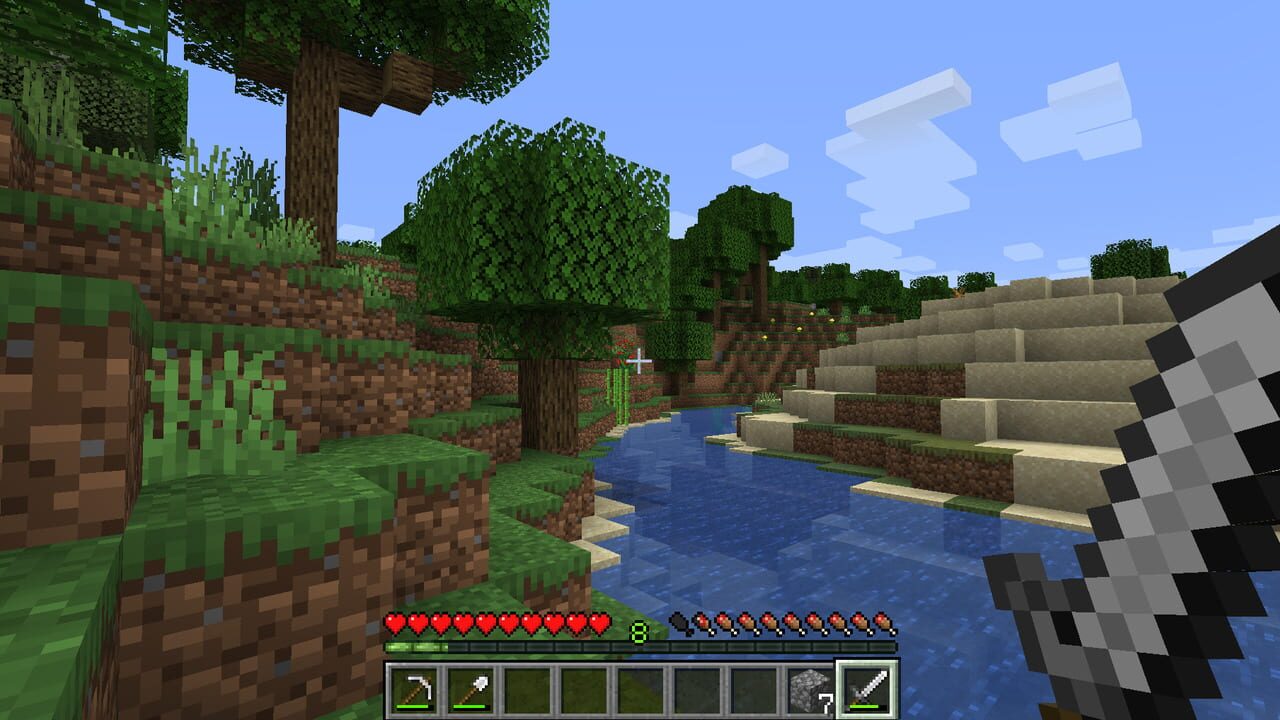
With over 194 million downloads on CurseForge, the create mod isn't just popular—it's foundational. Created by Simibubi, it introduces Rotational Force, a system that lets you build steampunk machines, automated factories, and moving contraptions.
Think of it as Minecraft's engineering system on steroids. You can:
- Build rotating gearboxes that power mechanical machines
- Create assembly lines that automate ore processing, smelting, and crafting
- Construct trains and elevators that move across your world
- Design custom contraptions that defy vanilla limitations
The learning curve is real, but it's worth it. Create transforms Minecraft from a game about gathering resources into a game about engineering solutions. Watching a machine you designed crush ore into powder and smelt it automatically feels incredible.
Create works on Forge, NeoForge, and Fabric. Version 6.0.10 (the current stable release as of April 2026) supports 1.21.1 and newer. If you're building a modpack, Create should be near the top of your list—most other mods are designed with Create compatibility in mind.
Content Mods: Expanding the World
Botania: Magic Without Mana Bars
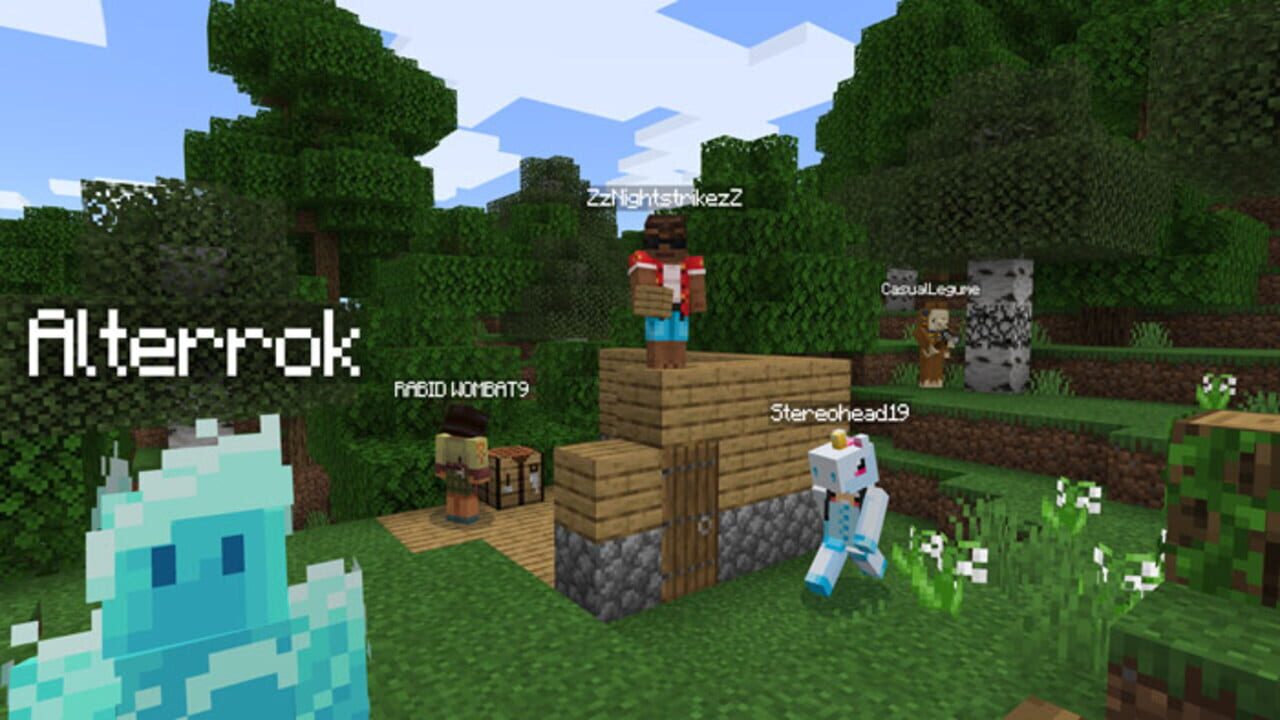
Botania is a magic mod, but not in the traditional sense. Instead of mana bars and spell slots, Botania uses flowers. Magical flowers that generate mana, which powers spells and enchantments.
The system is elegant and deeply integrated into vanilla Minecraft. You craft magical flowers, place them in the world, and they generate mana over time. That mana powers wands, creates enchantments, and unlocks late-game content. It's slower than other magic mods, but the progression feels earned.
Botania is available on Forge, Fabric, and NeoForge for versions 1.16.5 and newer. It's one of the oldest mods still actively maintained, updated regularly for over a decade. Stability is guaranteed.
Twilight Forest: A Complete New Dimension
Twilight Forest adds an entire dimension—a perpetual twilight world with unique biomes, progressive dungeons, and boss-gated content. You craft a portal, step through, and enter a fairy-tale realm filled with mysteries.
The progression is linear and well-designed. Each boss you defeat unlocks access to the next area. From the Naga maze to the Lich tower to the Snow Queen's palace, every encounter feels like a milestone. The mod is beautifully crafted and doesn't feel like a cheap addition—it feels like a real, cohesive world.
Twilight Forest works on Forge and NeoForge for versions 1.12.2 to 1.20.1. Active development is ongoing on GitHub, though a stable 1.21 release hadn't shipped as of March 2026. For established 1.20.1 modpacks, it's proven stable for years.
Alex's Mobs: Fauna Overhaul
Minecraft's creature roster is thin. Alex's Mobs fixes that by adding 85+ realistic and fantastic creatures. Crocodiles in swamps. Elephants in savannas. Manta rays in oceans. Polar bears in ice biomes. Each mob has unique behaviors, detailed animations, and useful drops.
The mod integrates seamlessly into vanilla biomes. You won't feel like you're playing a different game—just a more alive one. The creatures behave realistically: predators hunt, herd animals travel together, and rare mobs feel genuinely rare.
Alex's Mobs supports Forge and NeoForge on versions 1.16.5 to 1.20.1. Downloads exceed 2.4 million, and the community considers it essential for any vanilla-plus modpack.
Graphics Mods: Shaders and Visual Polish
Iris Shaders: Shader Support on Fabric
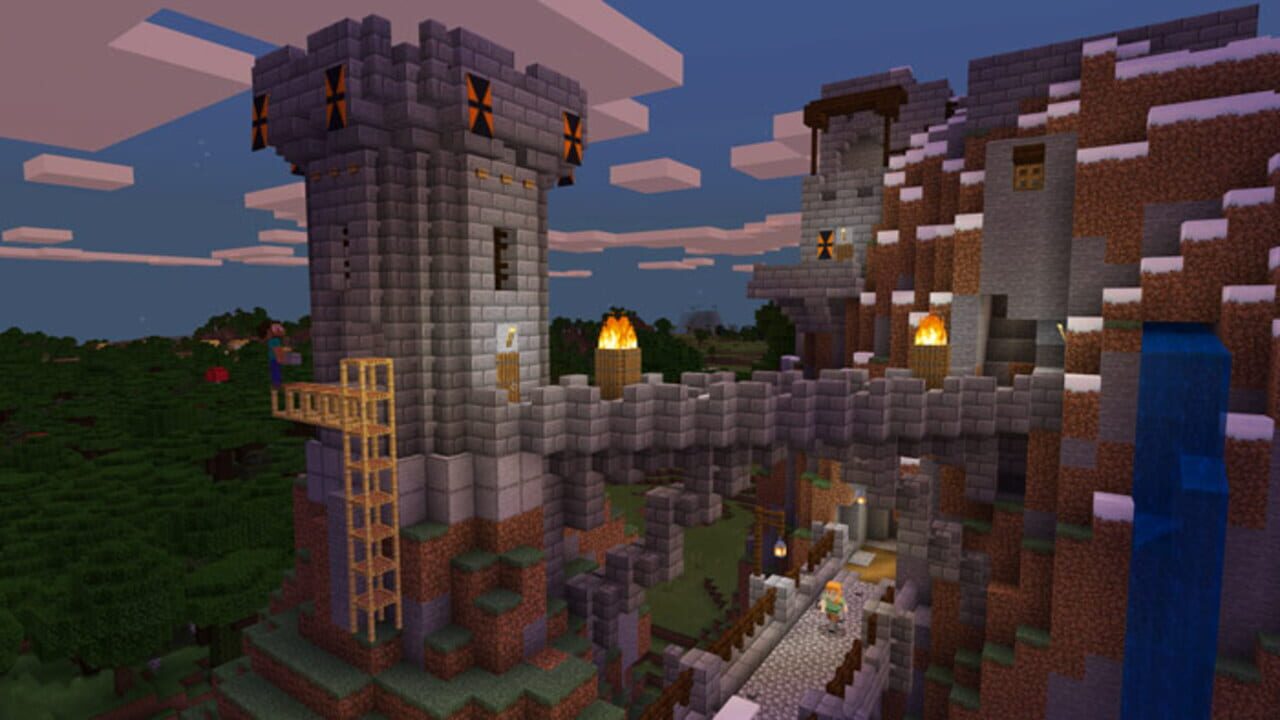
OptiFine held the shader monopoly for years. Iris changed that. It's a shader loader built for Fabric that supports the same shader packs as OptiFine—BSL, Complementary, SEUS, and dozens more.
Iris works alongside Sodium, which means you get performance optimization AND shader support. Install Sodium for FPS, then add Iris to load shader packs. The combination is unbeatable on modern Fabric setups.
Iris supports Fabric on versions 1.16.5 to 1.21+. It's free, actively maintained, and updates faster than OptiFine.
BSL Shaders: Balanced Visual Enhancement
If you want shaders but don't want your world to look like a 4K movie, BSL is your answer. It balances visual enhancement with performance. Lighting improves. Water looks better. Shadows add depth. But you won't lose 100 FPS in the process.
BSL works with both Iris and OptiFine on versions 1.12 to 1.21+. It's the most popular shader pack in the community because it looks good without requiring a NASA computer.
Quality-of-Life Mods: The Unsung Heroes
Performance and content mods get the attention. But quality-of-life mods make modded Minecraft actually playable for extended sessions.
Simple Voice Chat: Spatial Audio for Multiplayer
Playing on a server with friends? Simple Voice Chat adds in-game voice communication with spatial audio. Players near you sound close. Players far away sound distant. It's like Discord, but built into Minecraft.
Supports Fabric, Forge, and NeoForge on versions 1.16.5 to 1.21+. Essential for any multiplayer server.
Chunky: Pre-Generation for Server Stability
Large modpacks with terrain generation mods can cause lag spikes when new chunks load. Chunky pre-generates chunks before players explore them. Run it once, wait a few hours, and your server never stutters from chunk generation again.
Works on Fabric, Forge, and Paper for versions 1.16.5 to 1.21+. Standard practice for any serious server.
Modpacks: The Easy Route
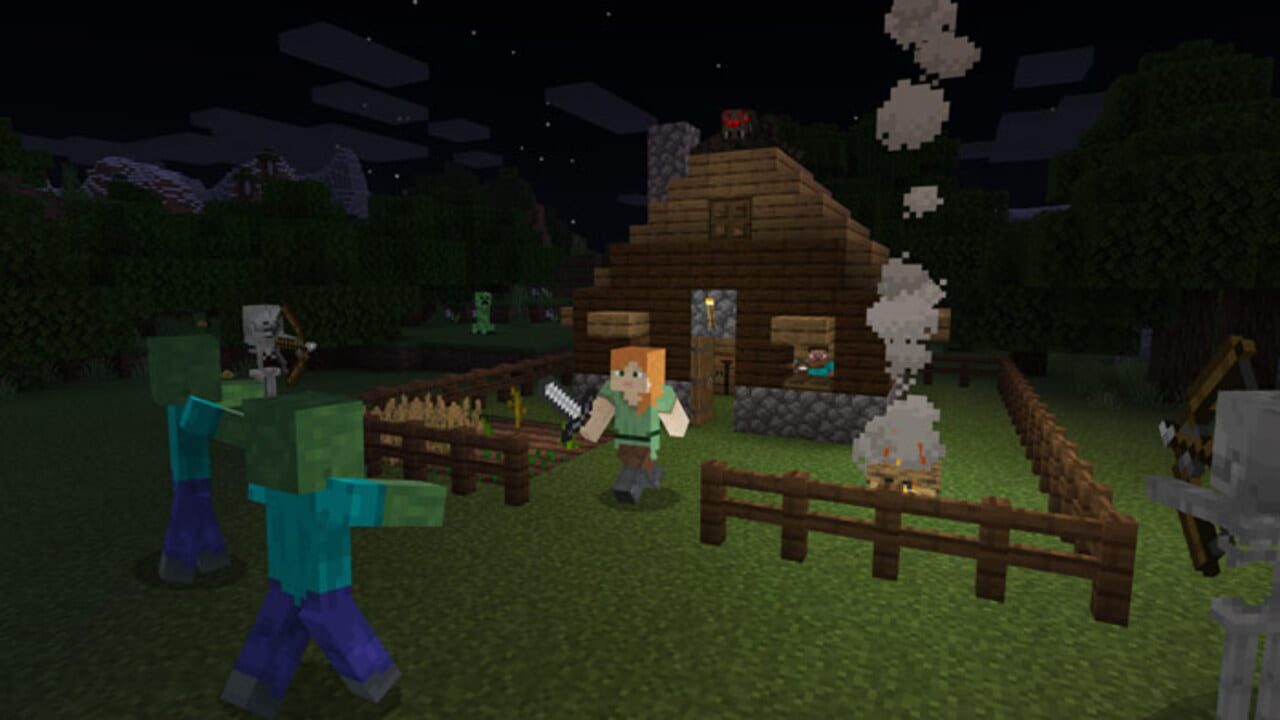
Assembling mods yourself is rewarding but time-consuming. If you want a tested, balanced setup with hundreds of mods already configured to work together, modpacks are the answer.
All The Mods 10 (ATM10): The Kitchen Sink
ATM10 is the 2026 standard for "everything modpack." It includes 400+ mods covering tech, magic, exploration, and more. Create, Botania, Alex's Mobs, Twilight Forest, and nearly everything else you could want—all pre-configured and balanced.
Built on NeoForge for Minecraft 1.21.1, it requires 10-12 GB of RAM but delivers a complete experience. Download count exceeds 13 million. If you want modded Minecraft without the assembly hassle, ATM10 is the answer.
Better MC: Enhanced Vanilla
If ATM10 feels overwhelming, Better MC is the alternative. It's a curated selection of quality-of-life and content mods that enhance vanilla Minecraft without adding overwhelming complexity. Perfect for players who want more content but not a complete overhaul.
Supports Forge and Fabric on 1.20.1 and 1.21. RAM requirements are lighter (6-8 GB), making it accessible to more players.
How to Install Minecraft Mods: The Practical Guide
Installation depends on your loader choice. Here's the quick version:
Fabric Setup (Recommended for Performance)
- Download Fabric Loader from fabricmc.net for your Minecraft version
- Run the installer—it creates a Fabric profile in your launcher
- Download mods from Modrinth or CurseForge (make sure they're Fabric versions)
- Drop .jar files into your .minecraft/mods folder
- Launch the game with the Fabric profile
Total time: under five minutes. Start with Sodium, Lithium, and Fabric API. Then add content mods as desired.
Forge Setup (Better for Modpacks)
- Download Forge Installer for your Minecraft version
- Run it and select "Install Client"
- Download mods from CurseForge (Forge versions only)
- Drop .jar files into your .minecraft/mods folder
- Launch with the Forge profile
Forge is more forgiving with modpack compatibility but performs slightly worse than Fabric. For beginners, use a modpack installer (CurseForge app, Prism Launcher) to avoid manual setup entirely.
Memory Allocation: Don't Starve Your Game
Modded Minecraft needs RAM. Here's the allocation guide:
- Vanilla Minecraft: 4 GB
- Sodium + 10-15 mods: 4-6 GB
- Large modpacks (50+ mods): 6-8 GB
- Massive modpacks (100+ mods): 8-12 GB
Always leave 2 GB free for Windows. If you allocate too much, Minecraft becomes slower, not faster. Find your system's sweet spot through testing.
Sodium vs. OptiFine: The Final Word
This argument has raged for years. Here's the honest take:
Choose Sodium if: You're on Fabric, running 1.20.5 or newer, or prioritizing raw FPS and compatibility. Sodium is faster, updates quicker, and works with more mods.
Choose OptiFine if: You're locked into Forge modpacks, stuck on 1.16 or earlier, or value one-file simplicity over performance. OptiFine still works, but it's not the best choice anymore.
For 2026, Sodium + Iris is the superior setup. It's faster, more compatible, and actively developed. OptiFine had its era. That era is over.
Common Mistakes to Avoid
Installing mods is simple, but easy to mess up:
- Mixing loaders: Don't install Fabric mods in a Forge instance. They won't load. Always match the loader.
- Skipping Fabric API: Most Fabric mods require it. Install it first, before other mods.
- Ignoring version compatibility: A mod built for 1.20.1 won't work on 1.21. Check the version before downloading.
- Too many mods at once: If the game crashes, you won't know which mod caused it. Add 5-10 mods, test, then add more.
- Not allocating enough RAM: Modded Minecraft is RAM-hungry. Allocate too little and you'll stutter constantly.
The State of Minecraft Modding in 2026
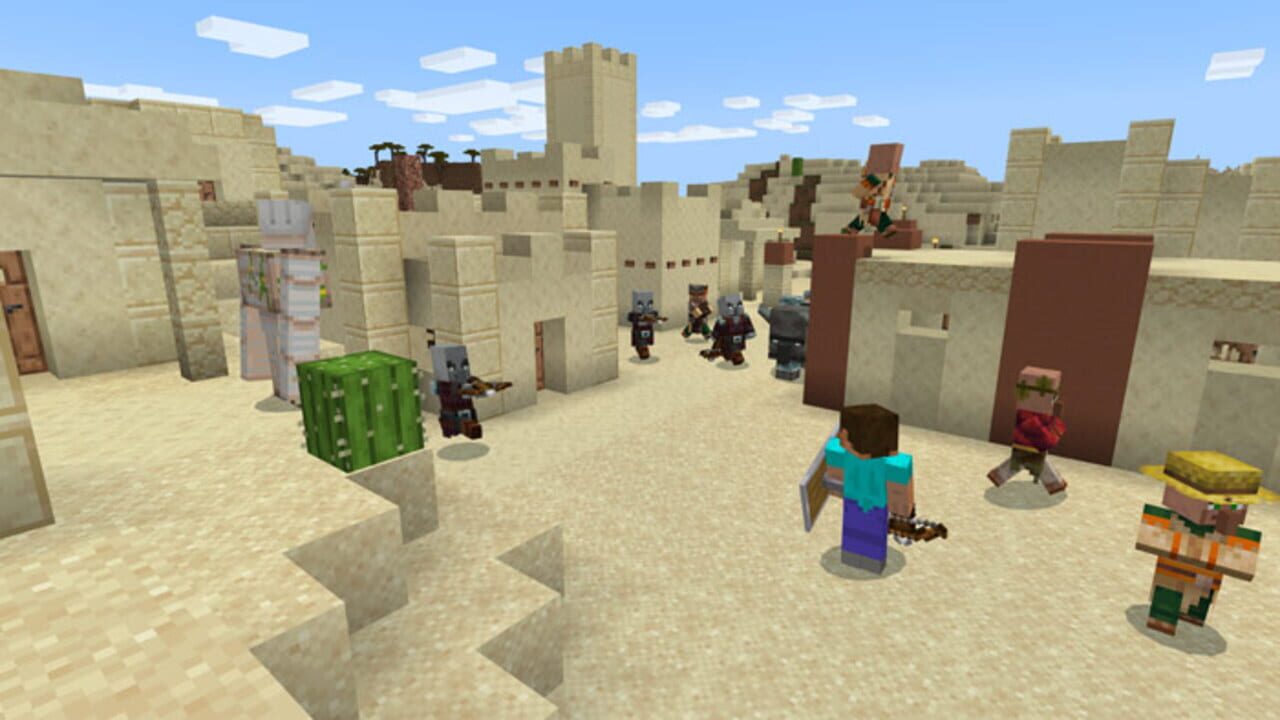
The modding community has never been healthier. Sodium and Lithium proved that Fabric could outperform Forge. NeoForge established itself as a viable successor to Forge. Mods like Create pushed the game's technical limits. And modpacks like ATM10 showed that you could bundle hundreds of mods into a stable, playable experience.
If you've been playing vanilla Minecraft for years, now is the time to try modded. The barrier to entry is lower than ever. The quality is higher. And the community is more active than at any point in the game's history.
Start with Sodium for performance. Add Create for engineering. Throw in Botania for magic. Explore Twilight Forest. And before you know it, you'll have a modded world that feels like a completely different game—a better game.
Final Thoughts: Which Mods Should You Install?
If you're just starting: Sodium, Lithium, Fabric API, and one content mod (Create or Botania). That's your foundation.
If you want a complete experience: Download a modpack like ATM10 or Better MC. Let someone else do the balancing.
If you're a veteran: Mix and match. The beauty of modding is that you're in control. Install what excites you, skip what doesn't, and build the Minecraft experience you actually want.
The best minecraft mods are the ones you'll actually use. Don't install 200 mods because they're popular. Install 20 mods because they improve your specific playstyle. That's where the magic happens.
Câu hỏi thường gặp về Minecraft: Java Edition
- Ngày phát hành Minecraft: Java Edition là khi nào?
- Minecraft: Java Edition dự kiến phát hành vào ngày 18/11/2011.
- Minecraft: Java Edition chơi được trên nền tảng nào?
- Minecraft: Java Edition hỗ trợ: Linux, PC (Microsoft Windows), Mac.
- Minecraft: Java Edition thuộc thể loại gì?
- Minecraft: Java Edition thuộc thể loại: Simulator, Adventure.
- Có trailer chính thức của Minecraft: Java Edition không?
- Có. Bạn có thể xem trailer của Minecraft: Java Edition ngay trên trang này ở phần video.
Khám phá thêm
Mẹo Sinh Tồn Hardcore Minecraft 1.21 - Hướng Dẫn Chi Tiết Từ A-Z
Sinh tồn trong Minecraft 1.21 hardcore không phải là về may mắn — nó là về chuẩn bị. Hướng dẫn chi tiết này sẽ dạy bạn mọi thứ từ ngày đầu tiên cho đến cách chinh phục Trial Chambers và The End.
Hướng Dẫn Minecraft Cho Người Mới Bắt Đầu: Sống Sót Đêm Đầu Tiên & Xây Dựng Căn Nhà
Bạn mới chơi Minecraft? Hướng dẫn chi tiết này sẽ giúp bạn sống sót đêm đầu tiên, thu thập tài nguyên, và xây dựng một căn nhà an toàn. Từ crafting công cụ đến tránh mob — tất cả những gì bạn cần biết.
Minecraft Enchanting Table 2026: Những Cập Nhật Lớn Từ Bàn Phép Thuật Đến Gối Ngồi
Năm 2026 mang đến những thay đổi lớn cho Minecraft: minecraft enchanting table giờ hiển thị xác suất chính xác, cushion update cho phép bạn ngồi lần đầu tiên, và nhiều minecraft quality of life improvements khác.
5 Tính Năng Minecraft Mà Mojang Nên Thêm Vào Game Ngay Lập Tức
Minecraft vẫn tuyệt vời, nhưng nó đang thiếu những tính năng quan trọng. Đây là 5 minecraft features mojang should add mà cộng đồng yêu cầu từ lâu, và một số thậm chí đã được chứng minh hoạt động tốt thông qua các mod.